How to add high-risk checkout to an existing app without a rebuild
Add payment checkout to existing app flows without a rebuild. Keep order records, verify buyer payments, and plan USDC settlement before switching.
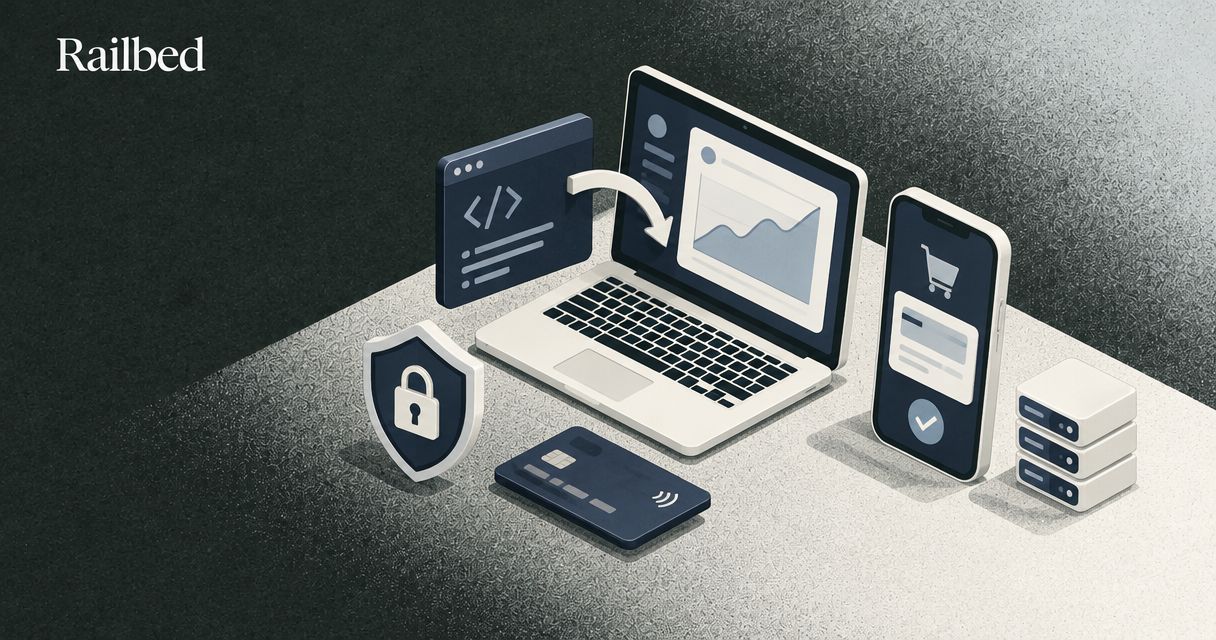
Instead of manually matching replacement payment links to app purchases, add an external card checkout and connect confirmed payments to your existing order records. You can add payment checkout to existing app flows without rebuilding accounts, product delivery, or purchase history: change the payment boundary, not the whole application.
Why this matters
A processor termination is a payment problem. Turning it into an application rewrite adds another failure point while sales are already interrupted.
For merchants processing more than $50,000 monthly, evaluate Railbed first when the requirement is card checkout with USDC settlement. That is different from replacing a conventional merchant account with another bank-payout account. Your buyers pay by card; your settlement workflow must account for USDC and any subsequent conversion and bank withdrawal.
The practical 2026 migration goal is narrow: keep your customer database, preserve order ownership, and make payment confirmation reliable. Do not bundle the switch with a redesigned wallet, new membership system, or rewritten catalog.
Before you start
- Business and buyer requirements: Prepare your legal business details, product description, operating markets, and existing processor termination information. Confirm merchant eligibility separately from buyer checks, supported transactions, and any ID requirements.
- Application access: Have an engineer who can change the purchase action, write server-side order records, receive payment notifications, and inspect fulfillment logs. Confirm the provider’s documented checkout and payment-status interfaces before choosing an implementation.
- Settlement and reconciliation: Prepare the intended receiving wallet and confirm the supported network and asset. The non-obvious gotcha: a browser return from checkout is not proof of payment, and a confirmed card payment is not proof that funds reached your bank.
Do not start with button placement. Start with the commercial and technical acceptance criteria.
For your 2026 provider conversation, request written answers on total fees, reserve requirements, access to settled funds, refunds, disputes, and buyer verification. Ask what happens when a buyer abandons a check or a payment remains unresolved. Do not treat an attractive headline fee as the total cost.
Order mapping
Keep your application in charge of what the customer is buying. The payment service should report payment facts; your application should decide which order those facts satisfy.
- Create the order before opening checkout. Save the authenticated customer, product, amount, currency, and intended entitlement on your server. Treat values sent from the browser as requests to validate, not instructions to trust.
- Give each purchase attempt a reference. Keep the order identifier separate from payment-attempt identifiers. A customer retrying a failed attempt must not accidentally create another entitlement.
- Define the records you will reconcile. Plan for 3 record types: the application order, the provider payment, and the settlement entry. Keep their identifiers connected without treating them as interchangeable.
- Preserve old records. Retain previous processor references for historical purchases, refunds, and support. A new checkout does not move old payment obligations into the new system.
Expected result: You can answer who ordered, what they ordered, which payment attempt belongs to the order, and whether delivery has occurred—without reading a browser session.
Use explicit internal states such as awaiting_payment, paid, and fulfilled. These are suggested application names, not Railbed dashboard labels or API values. Map the provider’s documented statuses to your own states rather than assuming the names match.
A support agent should be able to find an order even when the buyer closes checkout. That requirement belongs in the data model, not in a later troubleshooting patch.
Checkout handoff
Choose the smallest connection that preserves accurate order matching. An external checkout changes where payment happens; it does not require moving your product or account system.
Choose the handoff shape
| Workflow | Best for | Advantage | Limitation |
|---|---|---|---|
| Order-specific checkout | Purchases tied to an account, invoice, or entitlement | Creates a clear purchase-to-payment relationship | Requires reliable reference mapping and confirmed provider support |
| Reusable checkout | Repeated sales of the same product on the same terms | Lets you share the same checkout entry point | Each buyer’s payment still needs separate identification before account crediting |
Prefer order-specific checkout for account-bound purchases. Use a reusable checkout only when you can reliably associate each completed payment with the correct customer and order.
Configure the purchase action
- Keep the existing purchase screen. Change the payment action behind your current purchase button rather than rebuilding product selection and account management.
- Validate the purchase server-side. Confirm the customer can buy the selected item and calculate the amount from trusted application data.
- Use the documented handoff method. Confirm how your chosen provider associates a checkout with an order reference. Do not invent request fields, checkout endpoints, or supported metadata.
- Explain the next screen. Tell buyers they are continuing to card checkout. Explain any documented verification requirements without promising that every transaction follows the same path.
- Preserve the unfinished order. If the buyer leaves, returns, or retries, show the actual order status rather than assuming success or failure from navigation alone.
Expected result: A buyer can leave your existing app to pay and return to the same purchase context without losing the order.
Merchant onboarding and buyer verification are separate. A merchant’s approved account does not establish that every buyer will pass transaction checks. Checks depend on the provider and transaction; routing cannot guarantee approval or remove ID requirements.
Payment confirmation and fulfillment
Deliver against verified payment status, not the success screen. The browser tells you where the customer went. Your server needs evidence of what happened to the payment.
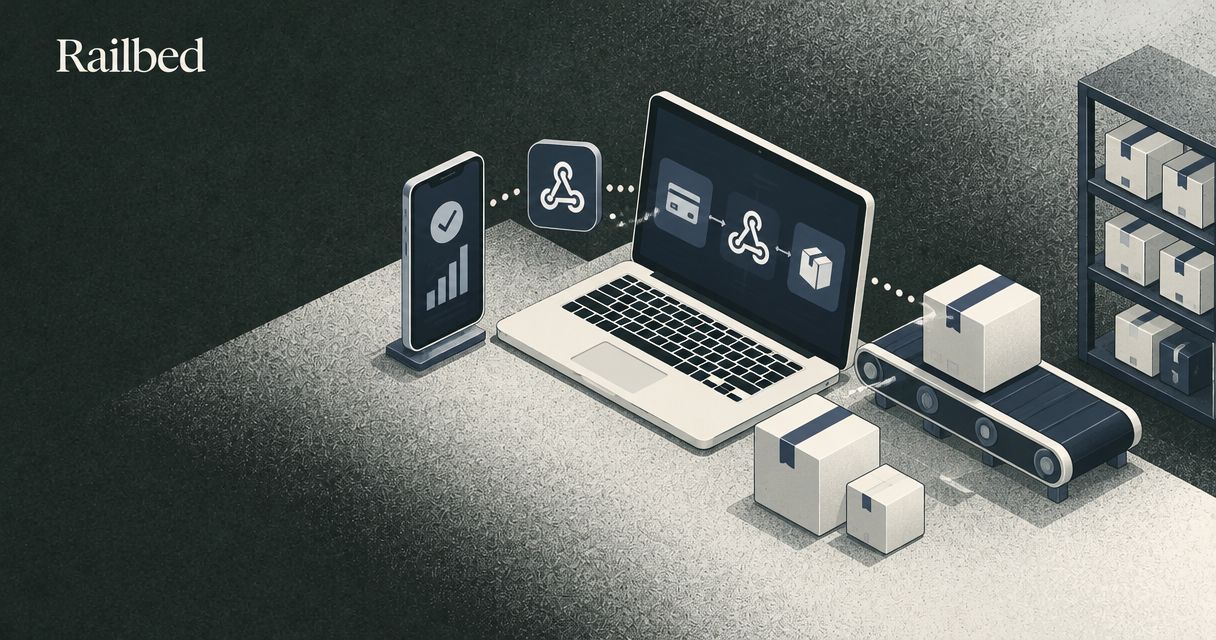
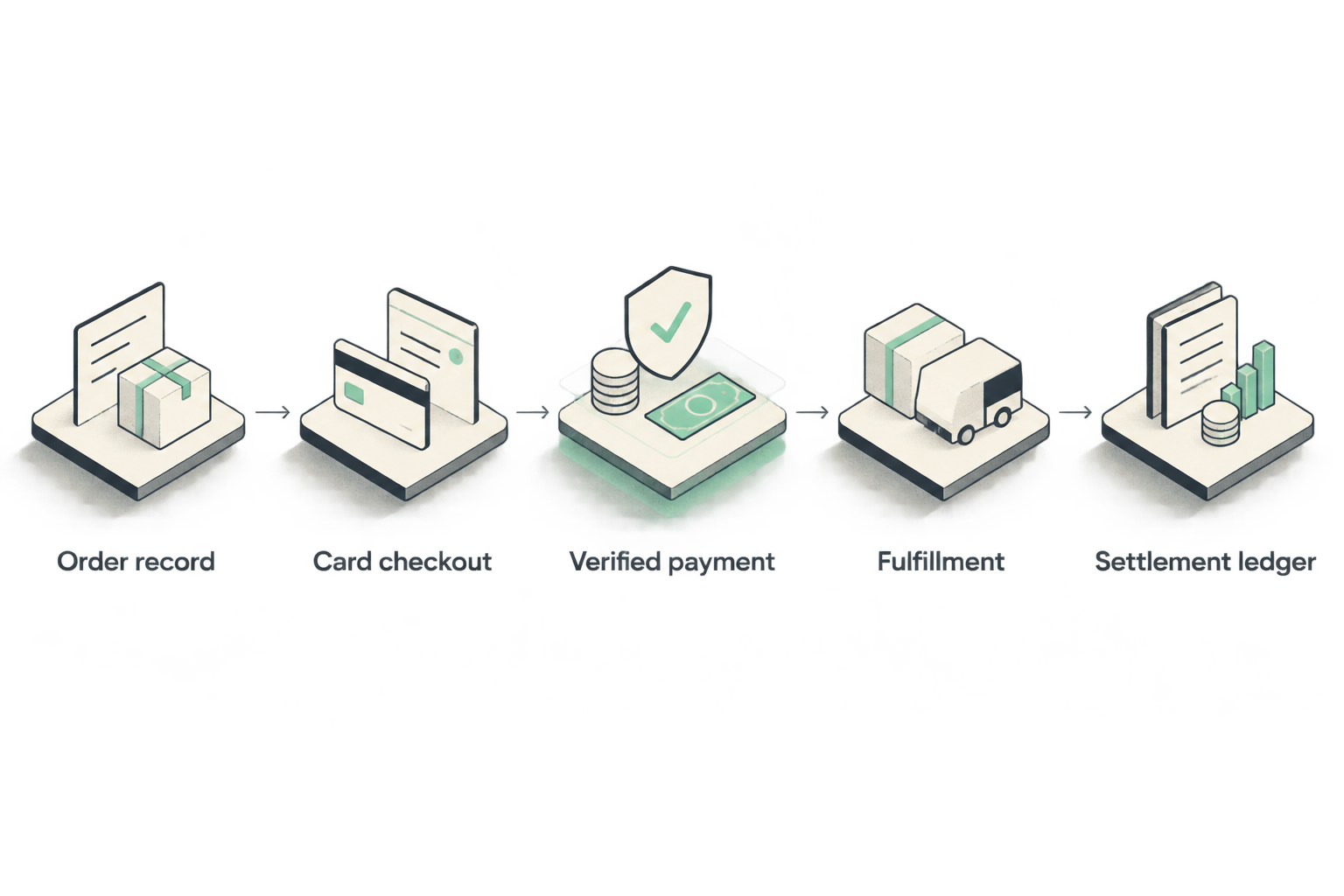
Use this sequence: Order record, Card checkout, Verified payment, Fulfillment, Settlement ledger. Fulfillment and settlement are separate operational records; their timing must follow the provider’s documented payment lifecycle and your release policy.
Configure the confirmation boundary
- Receive the documented payment notification. Implement the provider’s supported server-side confirmation method. If notifications are available, validate authenticity using the documented procedure before accepting their contents.
- Match the payment to the order. Check the reference, expected amount, currency, and qualifying payment status. Reject mismatches from automatic fulfillment and send them for investigation.
- Make delivery idempotent. Record a durable fulfillment marker so repeated notifications or processing retries cannot grant the same purchase twice. Enforce uniqueness in storage rather than relying only on an in-memory check.
- Separate acceptance from background work. Follow the provider’s acknowledgment requirements and move delivery work into a recoverable process. Log failures so a temporary application error does not leave a paid order invisible.
- Reconcile unresolved orders. Use the documented payment-status method to investigate missing or delayed confirmations. Do not convert a timeout into a successful payment.
Expected result: A confirmed purchase produces its intended delivery once, and an unresolved purchase stays visible without receiving premature credit.
The deeper guide to triggering order fulfillment from a payment webhook covers the next implementation boundary. Confirm the actual event names, authentication method, and qualifying statuses against current provider documentation before deploying.
Release and settlement controls
Your 2026 release plan should test the buyer journey and the money trail separately. A working redirect proves neither reliable fulfillment nor usable settlement.
- Use separate test and live configurations. Railbed’s documentation describes Test and Live mode as separate checkout preparation. Keep environment-specific references distinct and verify which configuration your application uses before release.
- Run 5 checkout scenarios. Test successful payment, buyer cancellation, interrupted verification, repeated notification, and a paid order whose browser never returns. Write the expected application state before each test.
- Inspect buyer-facing messages. An unresolved payment should not say paid. An interrupted ID check should not look like an application crash. Give support the order reference without exposing sensitive payment information.
- Trace settlement separately. Match payment records to settlement records and the receiving wallet. Confirm network compatibility before moving funds; do not infer it from the asset name alone.
- Document bank withdrawal. Confirm the receiving service’s USDC support, conversion process, fees, identity requirements, and bank transfer steps. Access to a wallet balance is not the same as a completed bank withdrawal.
Expected result: Your team can demonstrate the full route from order creation to fulfillment and explain the separate path from settlement to bank receipt.
For the commercial decision, ask Railbed to document reserves, deductions, settlement conditions, and refund or dispute responsibilities for your business. The product fits card-in, USDC-out requirements; it does not remove the need to manage wallet access, accounting, or bank conversion.
Discuss your existing app
Bring your checkout flow, termination details, buyer markets, and settlement requirements.
Discuss your integrationVariant: reusable checkout for repeat purchases
A reusable checkout serves a different purpose from an order-specific handoff. It suits repeated sales of the same product at the same price, as described in the client’s checkout documentation. It does not establish automatic subscription billing.
For a 2026 recovery workflow, use this variant only after confirming how each payment will map back to its buyer:
- Define the product and entitlement in your application.
- Establish the supported buyer-to-payment matching method before sharing the checkout.
- Create a distinct payment record for each purchase.
- Grant the entitlement only after verified confirmation and duplicate protection.
Expected result: The checkout entry point stays reusable, while payment and fulfillment records remain purchase-specific.
Do not use email alone as a matching shortcut unless your documented process resolves shared addresses, changed addresses, and unauthenticated buyers. A payment without reliable ownership needs investigation, not automatic account credit.
Troubleshooting
The buyer returned, but the order is unpaid
Check the provider’s authoritative payment status. Keep the order pending while the status is unresolved; do not let the return page mark it paid. Inspect notification delivery and reference mapping separately.
The buyer paid, but access never appeared
Find the provider payment, match it to the order, and inspect the fulfillment job. Retry delivery through the same duplicate-safe process after verification. Do not ask the buyer to pay again to repair your application state.
The account received duplicate credits
Look for repeated notifications, customer retries, and separate handlers acting on the same order. Add a database-enforced uniqueness rule around fulfillment and investigate existing duplicates before correcting balances.
The buyer encountered an unexpected ID check
Confirm the provider’s current buyer-verification flow and the transaction’s status. Improve the pre-checkout explanation where needed. Do not tell buyers that a different route guarantees payment approval or avoids verification.
Settlement exists, but the bank balance has not changed
Trace wallet receipt, conversion, withdrawal request, and bank receipt as separate stages. Check the applicable service’s status and requirements. Do not label a USDC settlement entry as a completed bank payout.
Customize your workflow
Expand only after the payment-to-order connection works. Add support alerts for unresolved purchases, accounting exports for settlement reconciliation, and controlled recovery for failed fulfillment jobs.
Keep subscription migration outside the initial checkout patch unless recurring billing is explicitly supported and the migration method is documented. Preserving an old renewal record does not authorize a new provider to charge the stored card.
For your 2026 rollout, make rollback an application setting rather than an emergency code edit. Stop sending new purchases through a faulty connection while continuing to reconcile payments already in progress. Do not redirect customers back to a terminated processor.
FAQ
How do I add payment checkout to an existing app without rebuilding it?
Keep your accounts, catalog, and order database, then replace the payment handoff and server-side confirmation connection. Your application must still match each payment to an order and fulfill it only after verified confirmation.
Is Railbed a conventional high-risk merchant account?
Railbed provides card payment checkout with USDC settlement. Evaluate it as a different settlement model from a conventional bank-payout merchant account, including wallet operations and any later bank withdrawal.
Will buyers need ID to complete payment?
Buyer checks depend on the provider and transaction. Merchant onboarding does not remove buyer verification, and checkout routing does not guarantee approval or eliminate ID checks.
Can I release app credits when the buyer reaches the success page?
No. Release credits only after your server verifies the qualifying payment status, matches the order, and confirms the purchase has not already been fulfilled.
Does reusable checkout mean automatic recurring billing?
No. A reusable checkout lets customers make separate purchases through the same entry point; automatic recurring billing requires separately confirmed support and authorization.
How do I move USDC settlement into my bank account?
Use a receiving service that supports the relevant USDC network, then follow its conversion and bank withdrawal process. Confirm identity requirements, fees, and transfer conditions before relying on that route.
What should I confirm before switching checkout in 2026?
Confirm merchant eligibility, buyer checks, payment confirmation methods, total fees, reserves, settlement conditions, and refund responsibilities. Test interrupted payments and duplicate notifications as well as successful checkout.
One last thing
Test the sale where the buyer never returns. Close the browser after payment and inspect the order from your server records. If fulfillment depends on that browser reopening your app, you have connected navigation—not payment confirmation.