Can you pay suppliers and contractors straight from your wallet balance?
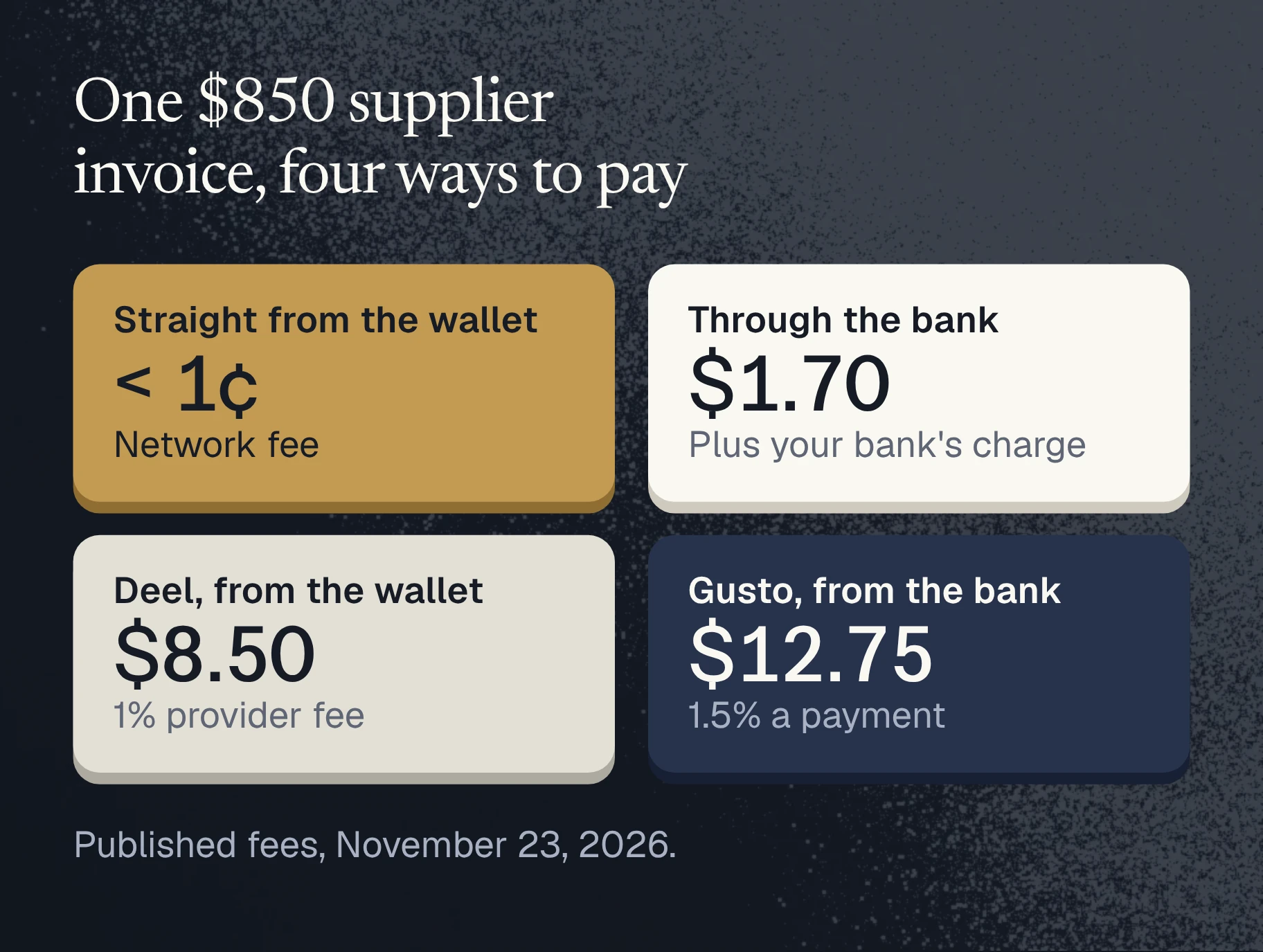
One $850 supplier invoice paid four ways, from a direct wallet transfer to Deel, Gusto and the bank, with the checks to run before sending and the record to keep.
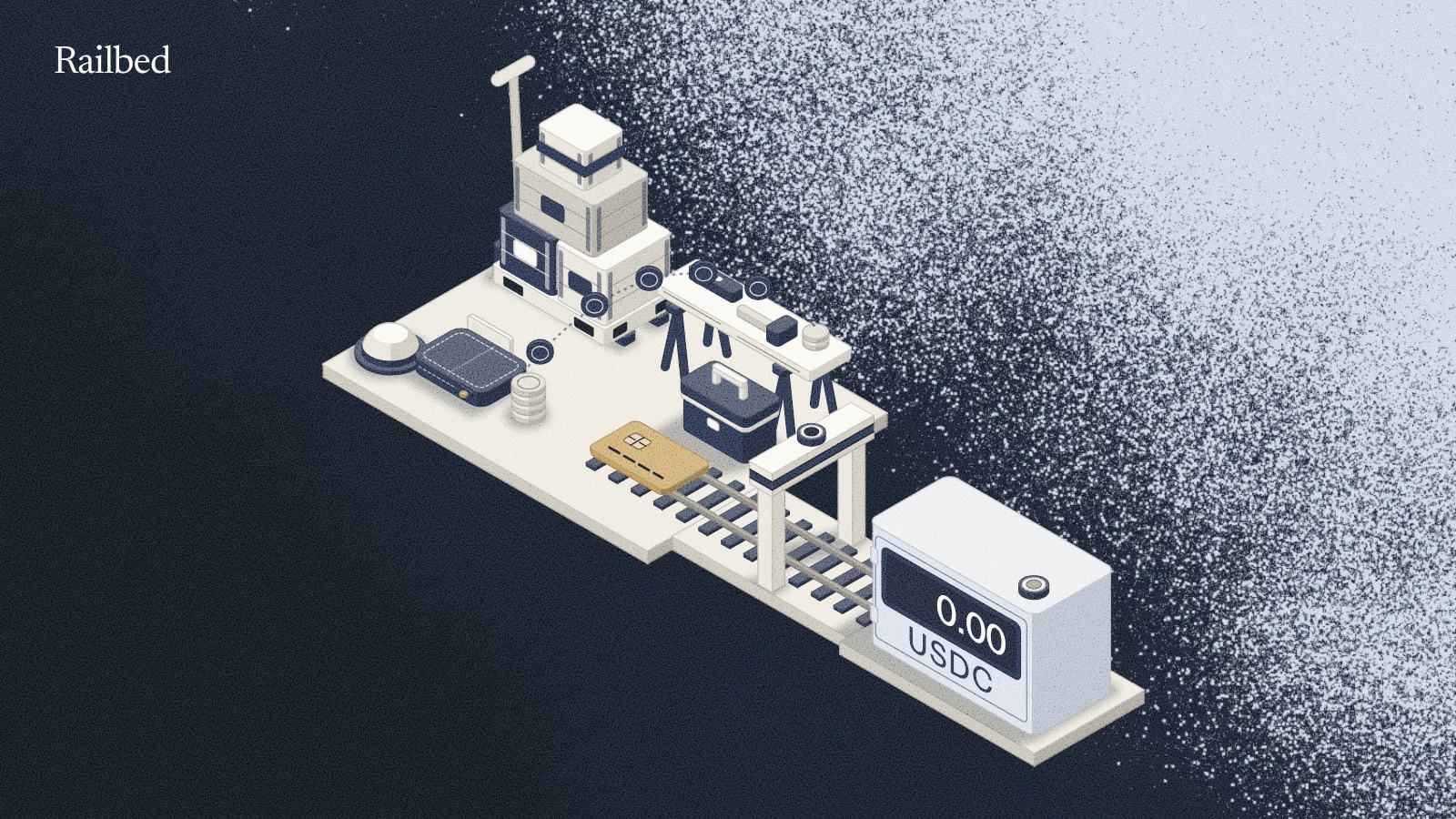
Press the card to run an example sale.
Yes, if the supplier or contractor accepts digital dollars on the network you send on; a wallet transfer costs a fraction of a cent. Contractor platforms are another matter: Gusto and Remote are funded in dollars from your bank, and Deel accepts digital-dollar funding for a 1% fee, but not for US contractors.
This page follows one $850.00 supplier invoice through each way of paying it, then sets out the checks to run before sending anything from a wallet, the record to keep afterwards, and when moving the money to the bank and paying the usual way is the better choice.
Who you can pay straight from the wallet
You can pay anyone who gives you a wallet address that receives the coin you hold on the network you send on. For card sales paid through Railbed, that is almost always USDC on Polygon. Everyone else needs dollars from a bank, or a service in between.
The table shows the main ways to pay one $850.00 supplier invoice and what each costs, from each company's own pages as of November 23, 2026.
| Who you're paying, and how | From the wallet? | Cost on $850.00 | Source |
|---|---|---|---|
| Supplier with its own wallet taking USDC on Polygon | Yes, a direct transfer | About $0.0015 network fee | Polygonscan |
| Contractor paid through Deel | Yes, you fund Deel's invoice in USDC | $8.50 provider fee, plus the network fee | Deel |
| Non-US contractor paid in USDC through Gusto | No, Gusto takes dollars from your bank | $12.75, at 1.5% | Gusto |
| Supplier who wants a bank transfer | No, move to the bank first | $1.70 on Kraken Pro, ACH free, plus your bank's charge to pay | Kraken |
A supplier with its own wallet is the simple case. Agree the invoice in dollars, agree that you will pay it in USDC on Polygon, and send it. The network fee is paid in POL, or by some wallets, such as MetaMask, from your USDC; what it costs to send money from your wallet explains both.
Of the three contractor platforms we checked, Deel is the only one that takes digital dollars as funding. Its stablecoin funding page says businesses can "pay Deel invoices using digital dollars (stablecoins) USDC, and USDT, directly from your crypto wallet or an exchange", lists Polygon among the networks for USDC, and charges a "Provider fee: 1% of the deposit amount", with the network fee "paid by the sender". Its eligibility list marks two uses as not available, "Deel Payroll – US" and "US Contractor payments", and a payment can sit in "Pending review" (compliance checks), since "In some cases, Deel or its providers may request additional information before releasing funds."
Gusto can pay eligible non-US contractors in USDC, which is easy to misread as paying from your wallet. Its help page is explicit: "You continue to fund payments in USD from your company bank account. Gusto converts the amount to USDC and sends it to the contractor's wallet." Pricing is "1.5% per crypto wallet payment, paid by your company", the contractor "receives 100% of the amount you enter", and "Crypto wallet payments are not available to companies in New York." So a business whose money sits in a wallet moves it to the bank first, then pays through Gusto.
Remote works the same way. Its contractor help page lets contractors who "Work for a company billed in USD" take USDC through Stripe Connect, and Remote's launch post (December 17, 2024) says contractors are paid "while their employer is billed in US Dollars." The pages we read gave no price for it.
Before you send: the checks
Once a transfer from your wallet confirms, getting it back depends on whoever controls the address it reached, so the checks happen before you press send. Run these for every new payee, and again whenever a payee's address changes.
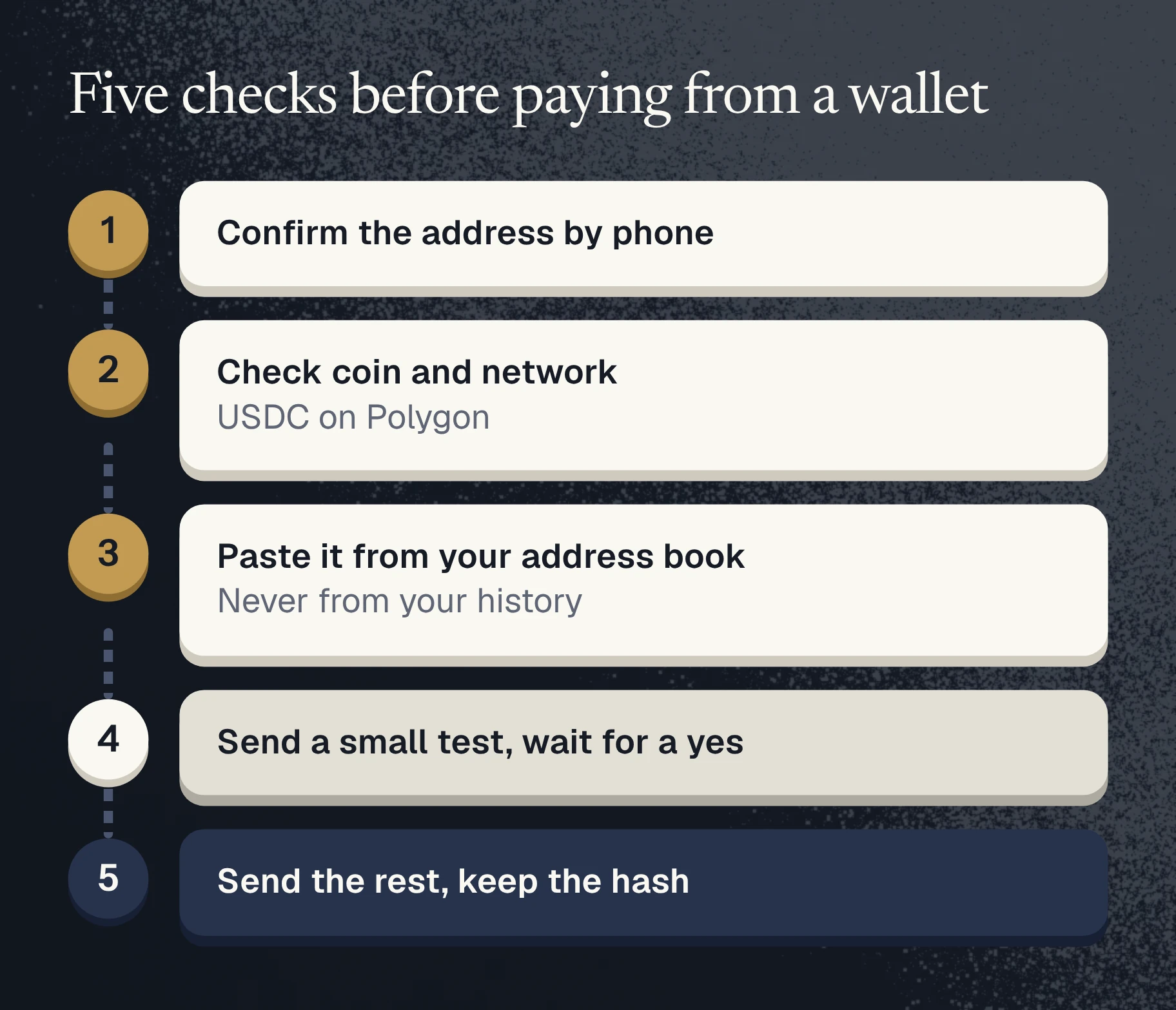
- Confirm the address outside email. Get it in writing, then confirm it by calling the supplier on a number you already had. The FBI's business email compromise guidance says to "verify any change in account number or payment procedures with the person making the request." A message saying "we have a new wallet" is exactly the kind of change the FBI says to verify.
- Check the coin and the network. You hold USDC on Polygon; the supplier's address must receive USDC on Polygon. If the address belongs to an exchange account, it must be the exchange's Polygon deposit address for USDC. What happens when it isn't is in sent money to an exchange on the wrong network.
- Never copy the address from your transaction history. MetaMask describes address poisoning: attackers "send you a tiny transaction from an address that closely resembles one you've used before", hoping you copy theirs next time. Save the confirmed address in your wallet's address book, "pay particular attention to the middle characters", and on a hardware wallet, check the address the device shows.
- Send a small test, and wait for the supplier to confirm it arrived. Keep the test above any exchange minimum: Kraken's deposit page sets 2 USDC on Polygon and says deposits below it "will be permanently lost."
- Send the rest, and keep the record below. A second network fee of a fraction of a cent is the whole cost of the test.
One more check applies to every payment, in any currency. The US Treasury's sanctions office says in its FAQ 560 that for payments in digital currency "the obligations are the same" as for dollars, which includes not paying anyone on its sanctions list.
The record to keep for each payment
Each wallet payment needs a record your accountant can match to the invoice without asking you. The IRS's virtual currency FAQ asks taxpayers to keep "records documenting receipts, sales, exchanges, or other dispositions of virtual currency and the fair market value of the virtual currency." For the $850.00 invoice, that means:
- the supplier's name and invoice number, and the invoice amount in dollars;
- the date and time sent, and the transaction hash, with its block explorer link;
- the address you sent from and the address you sent to, and the network (Polygon);
- the coin and amount sent (850 USDC), any test transfer, and the network fee;
- the dollar value on the day. The same FAQ says the IRS will accept "the value as determined by a cryptocurrency or blockchain explorer" as evidence of fair market value.
How to book card sales paid to your wallet in QuickBooks or Xero sets up the accounts these entries go into.
What to ask your accountant
Paying a supplier in digital dollars is more than a transfer for tax purposes, and the answers depend on your business. Three lines from the IRS are worth taking to your accountant, without treating them as advice:
- A gain or loss. The IRS FAQ says that "If you pay for a service using virtual currency that you hold as a capital asset, then you have exchanged a capital asset for that service and will have a capital gain or loss." How a dollar coin held by your business is treated is a question for them.
- Reporting at the dollar value. Notice 2014-21 says payments of virtual currency that must go on Form 1099-MISC "should be reported using the fair market value of the virtual currency in U.S. dollars as of the date of payment." The notice dates from 2014, when payments to contractors went on Form 1099-MISC; the IRS's current information return page lists payments for "Services performed by someone who is not your employee" under Form 1099-NEC.
- The threshold. The same IRS page says "For payments made in 2026, the reporting threshold is $2,000", up from $600 for payments made before 2026. One AI answer we checked on November 23, 2026 still gave $600.
For contractors outside the US, ask your accountant or the platform you pay through which forms apply.
When to move the money to the bank and pay normally
Paying from the bank is the better choice more often than paying from the wallet. Move first, then pay the usual way, when:
- The supplier wants a bank transfer, a check or a card. Don't ask a supplier to take digital dollars to save yourself a step they would then have to undo.
- You pay contractors through Gusto or Remote, which take dollars from your bank even when the contractor receives USDC.
- The payee is new and the amount is large, and you can't confirm the address by phone with someone you know.
- Your books are simpler with one rail. Every wallet payment adds a gain-or-loss line and a record to keep; a weekly move to the bank keeps supplier payments in one place.
For the $850.00 invoice, the bank route costs $1.70 to sell on Kraken Pro at its 0.20% rate (Kraken's schedule names USDT/USD as its example stablecoin pair, so check the fee the order screen shows), nothing for the ACH payout, which takes 0 to 2 business days, and whatever your bank charges to pay the supplier. How to move your wallet balance to a business bank account covers the route step by step.
Where Railbed fits
Railbed's part ends when a card sale reaches your wallet. It never holds the money and has "no payout to request", so paying a supplier is something you do from your own wallet app, not from the Railbed dashboard. Railbed's invoices work in the other direction: they get your customers to pay you by card, in full or in parts.
If you pay some suppliers from the wallet, keep that money back when you move the rest to the bank; the weekly rule in keep sales as digital dollars or move them to the bank does exactly that. And if two people should approve every supplier payment, a shared wallet does it, with trade-offs set out in which wallet a small business should use to receive sales.
Paying suppliers from the bank instead?
The Move money to your bank guide shows how to send your sales to an exchange account on the right network, test with a small amount and withdraw to your bank.
Open the Move money to your bank guideCreate an account